BetterMerge blog

Practical guides to Gmail, Google Sheets and sending personalized email.

How to create email templates in Gmail

Gmail

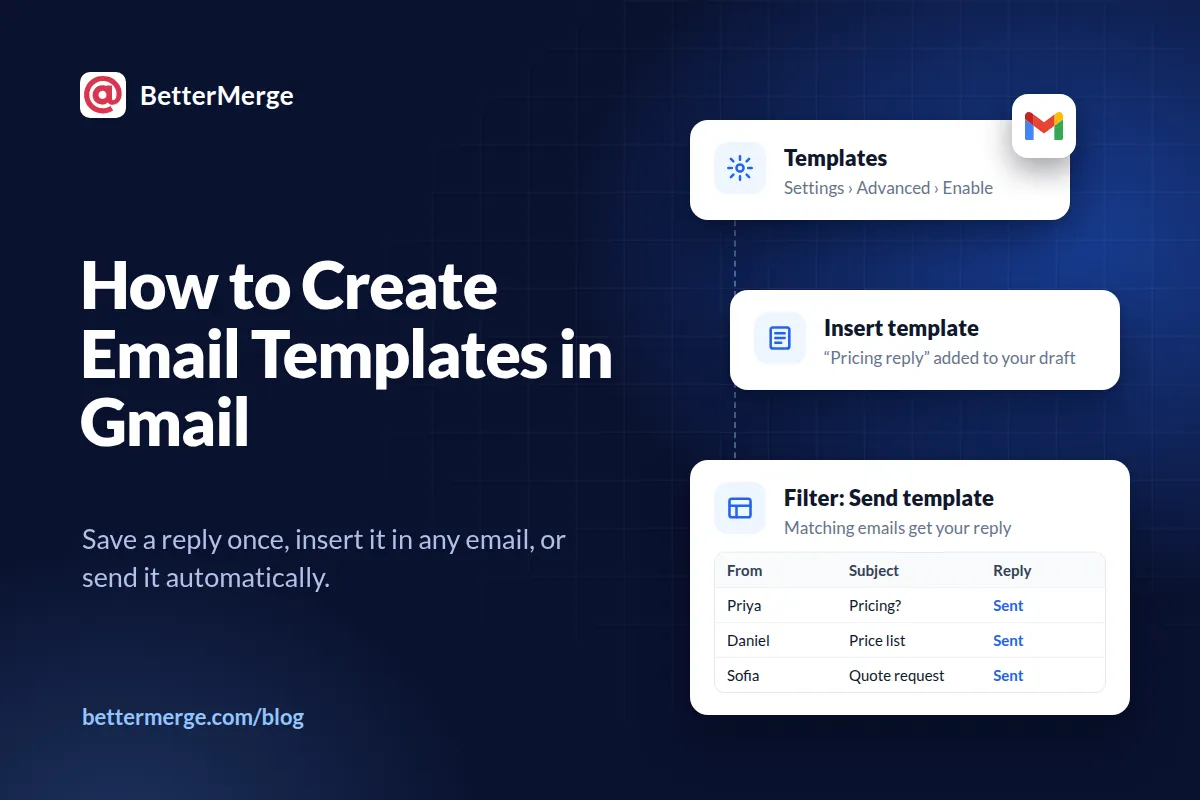
How to Create Email Templates in Gmail

Gmail can save an email as a template and insert it into any new message. Here's how to turn templates on, create, use, update and delete them, send one as an automatic reply, and fill in names automatically.

Updated 3 min read

How to mail merge in Gmail

Mail merge

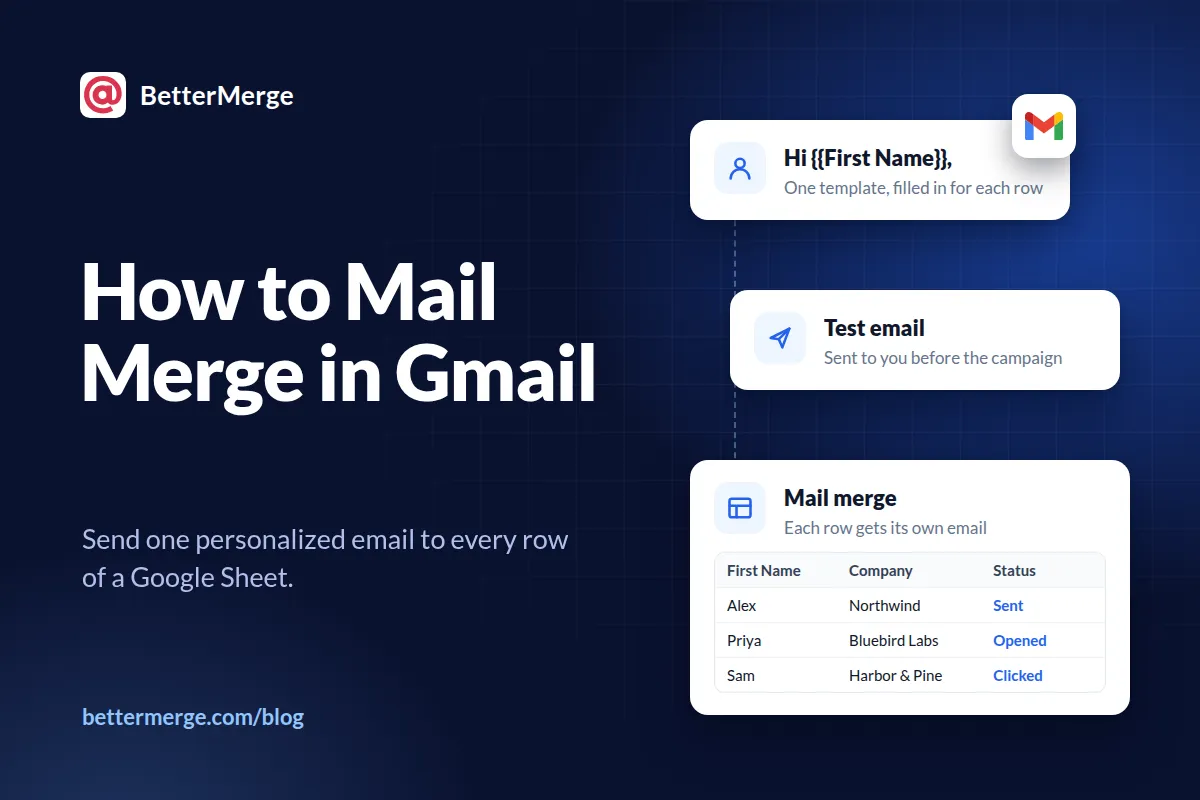
How to Mail Merge in Gmail: The Complete Guide

A mail merge sends one personalized email to everyone on a list, each from your own Gmail address. Here's how it works, your options in Gmail, a step-by-step walkthrough from Google Sheets, and the limits and mistakes to watch for.

Updated 6 min read

Send your first mail merge today

Install the free Google Sheets add-on and send personalized emails from your own Gmail in minutes. No credit card required.

Prefer your browser? Use the web app

Free plan available
No credit card required
Setup in under 5 minutes